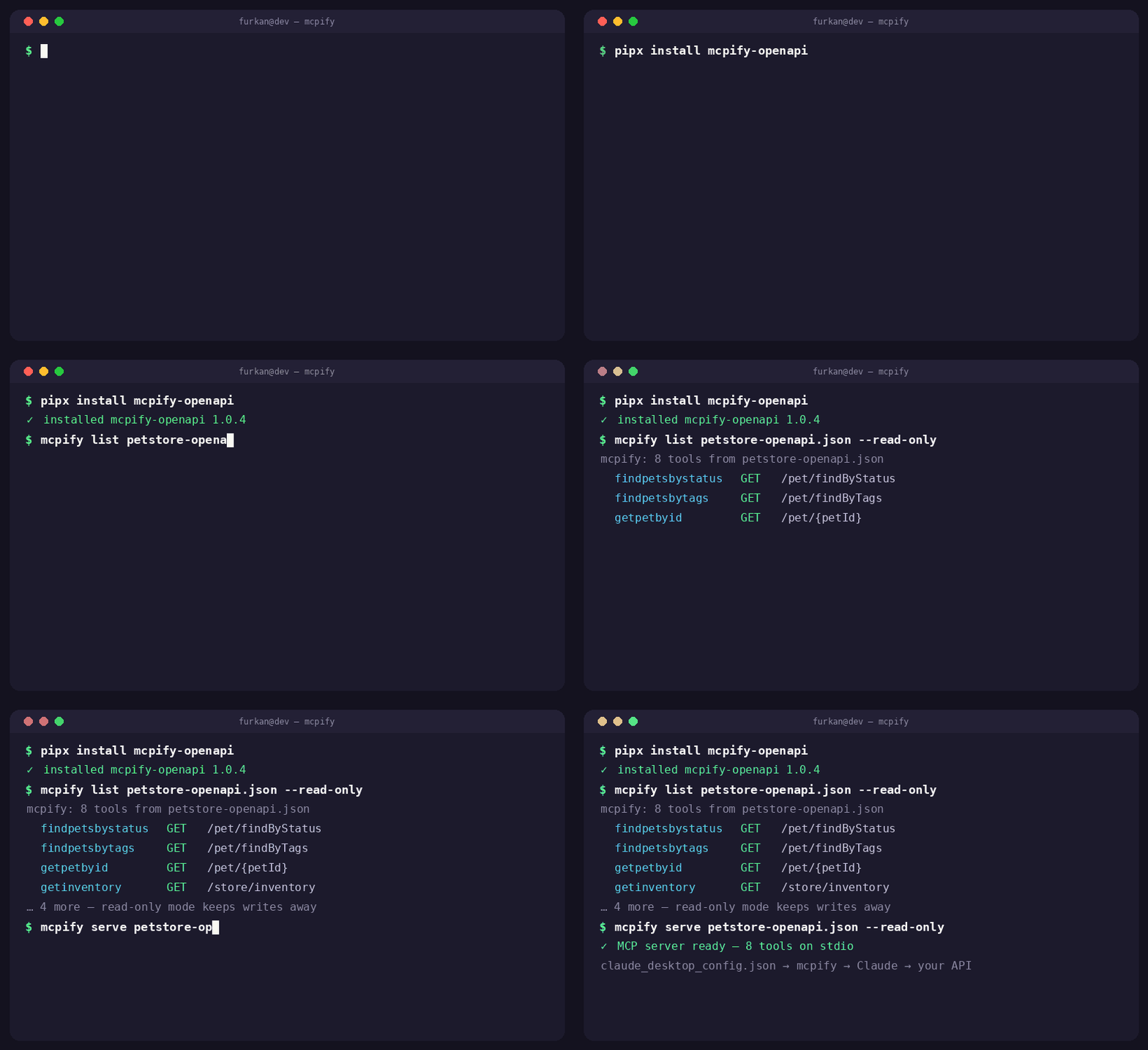
Built for the part nobody tells you about
Every "connect your API to Claude" tutorial ends at "now write a custom MCP server." That's the part mcpify deletes.
Safe for agents
Read-only mode
--read-only exposes only GET operations — let agents look without letting them touch.
Context budgets
--tag, --include, --exclude scope the surface; --lazy replaces the whole listing with three meta tools. Your context window will notice.
Secret masking & projection
--redact password,token masks secret-looking fields in every response; --fields id,name trims payloads to what the task needs.
Seconds to a server
Zero boilerplate
Schemas, descriptions, and validation come from the spec at serve time. A 40-endpoint API takes seconds, not a day of wrapping — and 1,200-endpoint specs load too (see below).
Try it in your terminal
mcpify try is an interactive REPL: pick a tool, fill the arguments, see the real response — no agent client required.
Two transports, one server
mcpify serve speaks stdio to your local agent; serve --http 8080 --http-token $T shares the same tools with your team over MCP Streamable HTTP.
Ready for production
Auth out of the box
--auth-env API_KEY injects credentials from the environment; OAuth2 client-credentials are fetched, cached, and self-healed on a 401. Secrets never touch your config file or CLI history.
Doctor
mcpify doctor inspects a spec before you serve it: missing operationIds, untyped parameters, dead servers, agent-unfriendly summaries.
Proven, not promised
506 tests across 28 suites: protocol end-to-end on both transports, a hostile-spec corpus, live-CI checks against api.weather.gov. Typed end-to-end (mypy strict), CodeQL scanned, Linux + Windows CI. Listed in the official MCP Registry.
# the context price tag — measured on the real GitHub REST spec (1,222 tools)
$ mcpify list github-api.json --cost --lazy
surface cost: ~289,706 tokens — paid in every tools/list by every agent
lazy surface:    ~291 tokens — three meta tools (search / schema / call) replace the full list

# big specs are the norm here, not the edge case
# GitHub REST, 1,222 tools ...... 0.5s   Kubernetes Swagger 2.0, 1,190 ...... 0.2s
# Stripe YAML, 6 MB, 594 tools .. 2.6s   Twilio, 197 ...................... 0.1s